
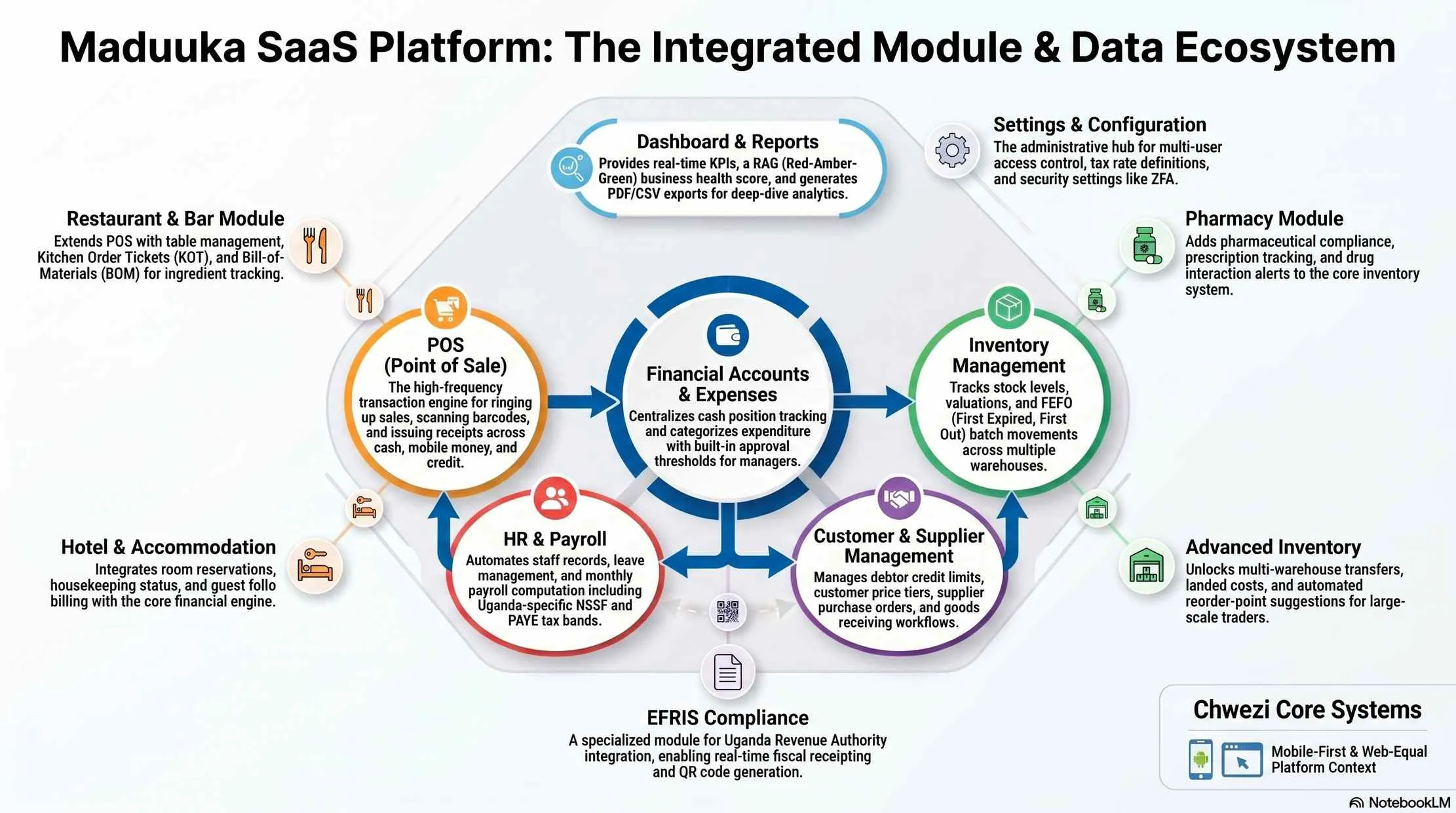
Everything You Need to Run Your Business
16+ modules that work as one system, from the sales counter to the monthly reports.
16+ Business Modules
Point of Sale (POS)
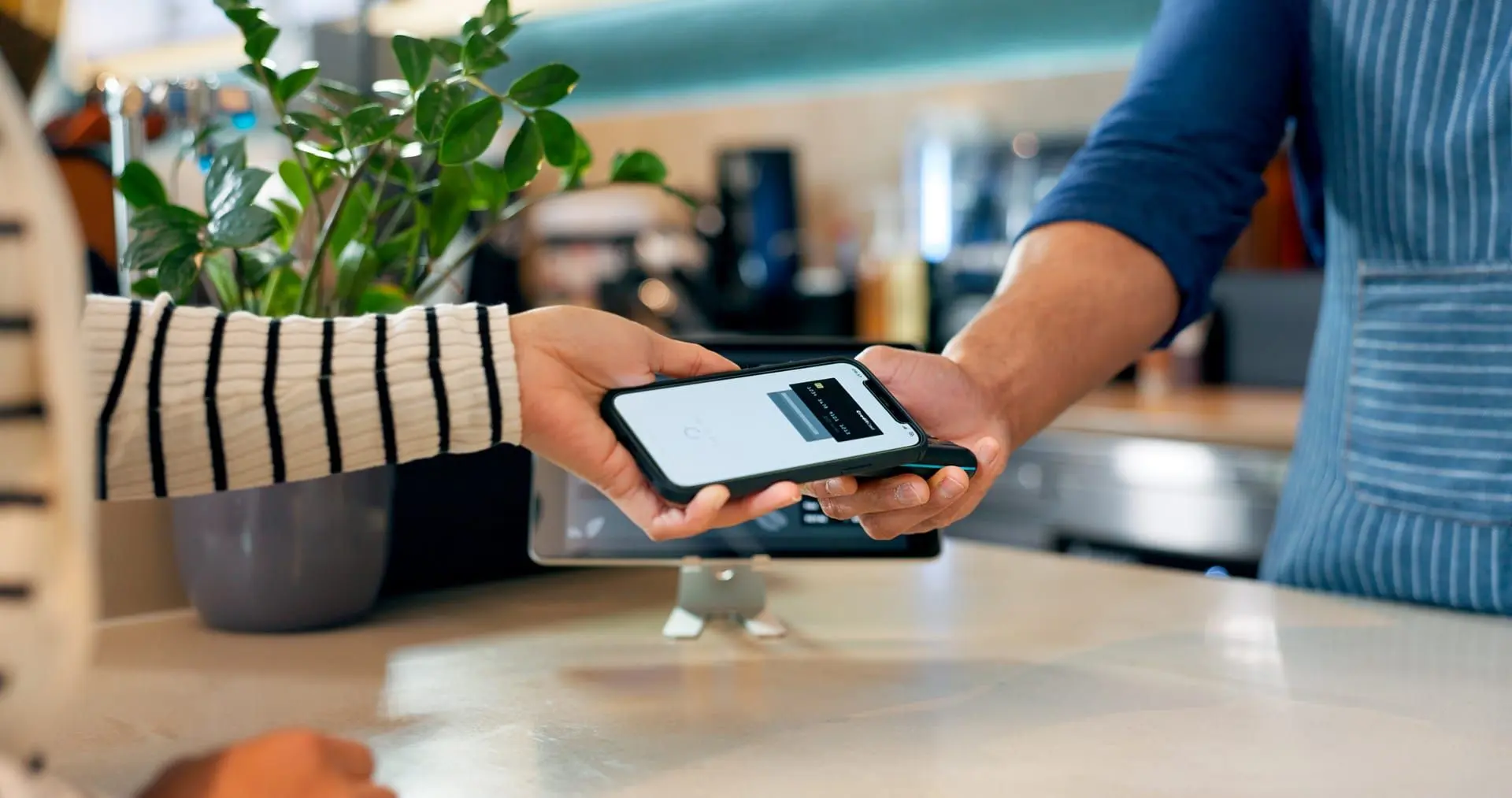
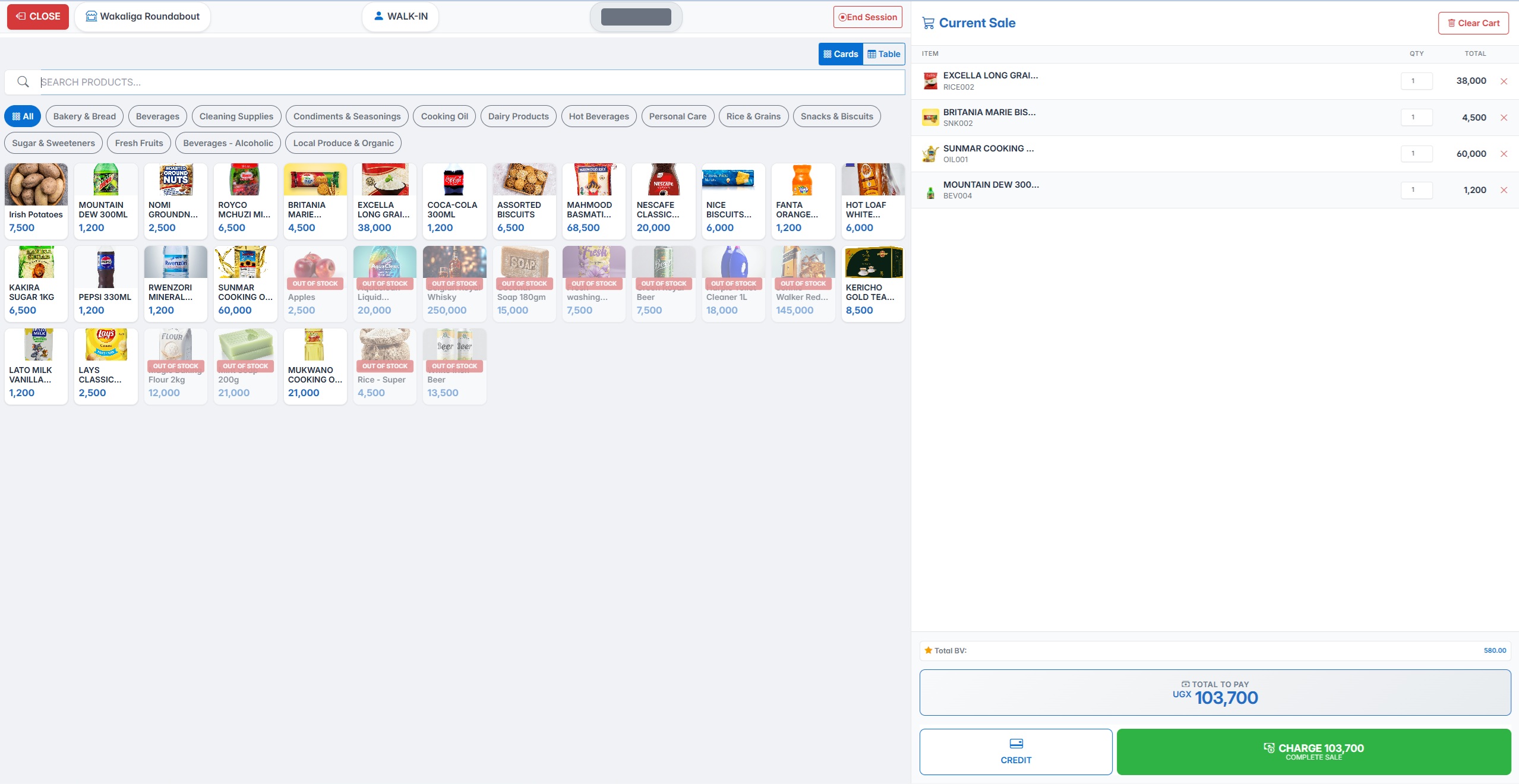
Touch-friendly interface for fast checkout. Barcode scanning, multi-payment (cash, mobile money, card), session management, receipt printing, and returns handling.
Inventory Management
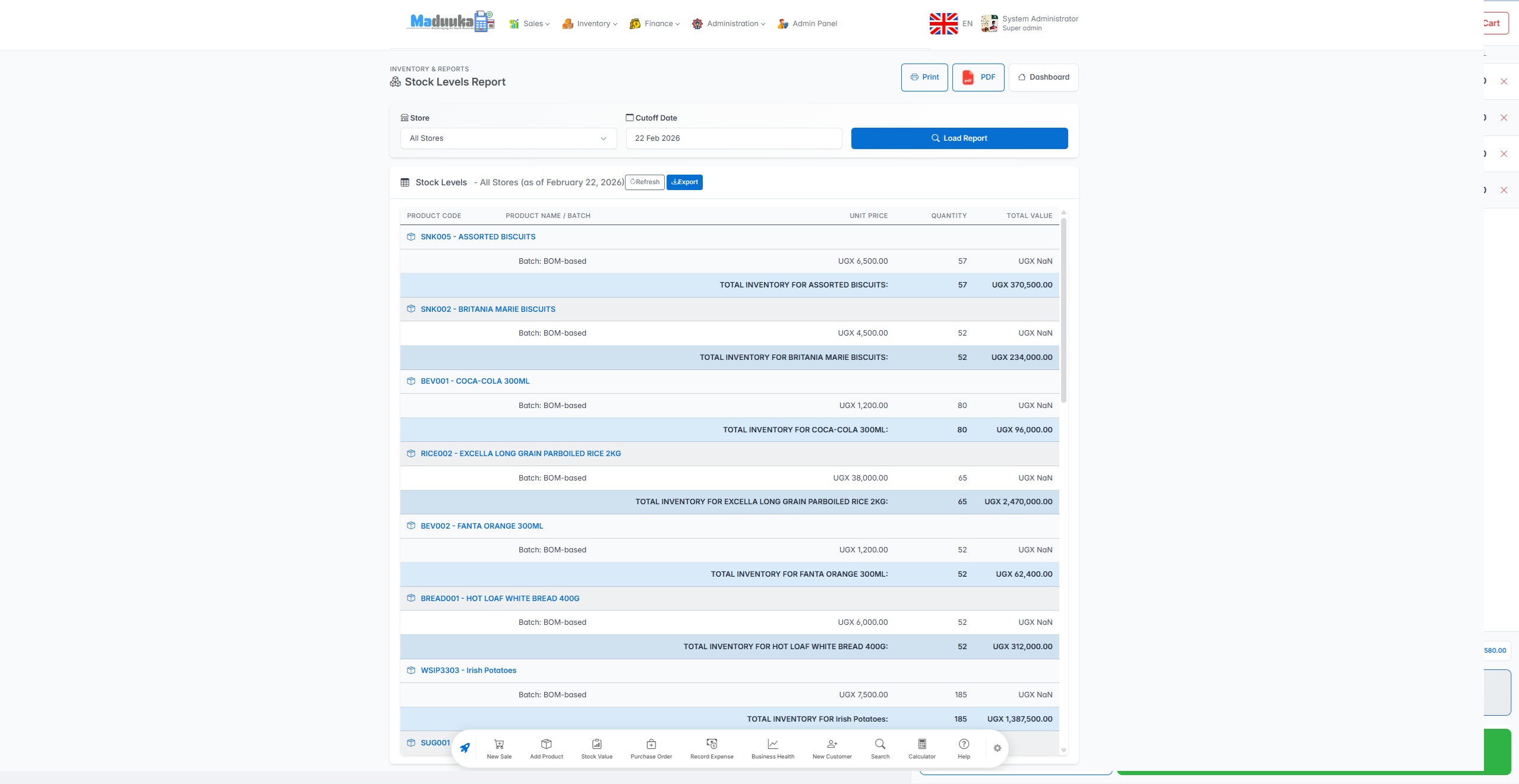
Multi-warehouse stock tracking, purchase orders, stock transfers, batch and expiry tracking, low-stock alerts, and FIFO/weighted average valuation.
Inventory engine details ->Sales & Invoicing
Professional invoices, partial payment tracking, credit sales with limits, customer profiles, and customer group pricing.
Accounting & Financial Statements
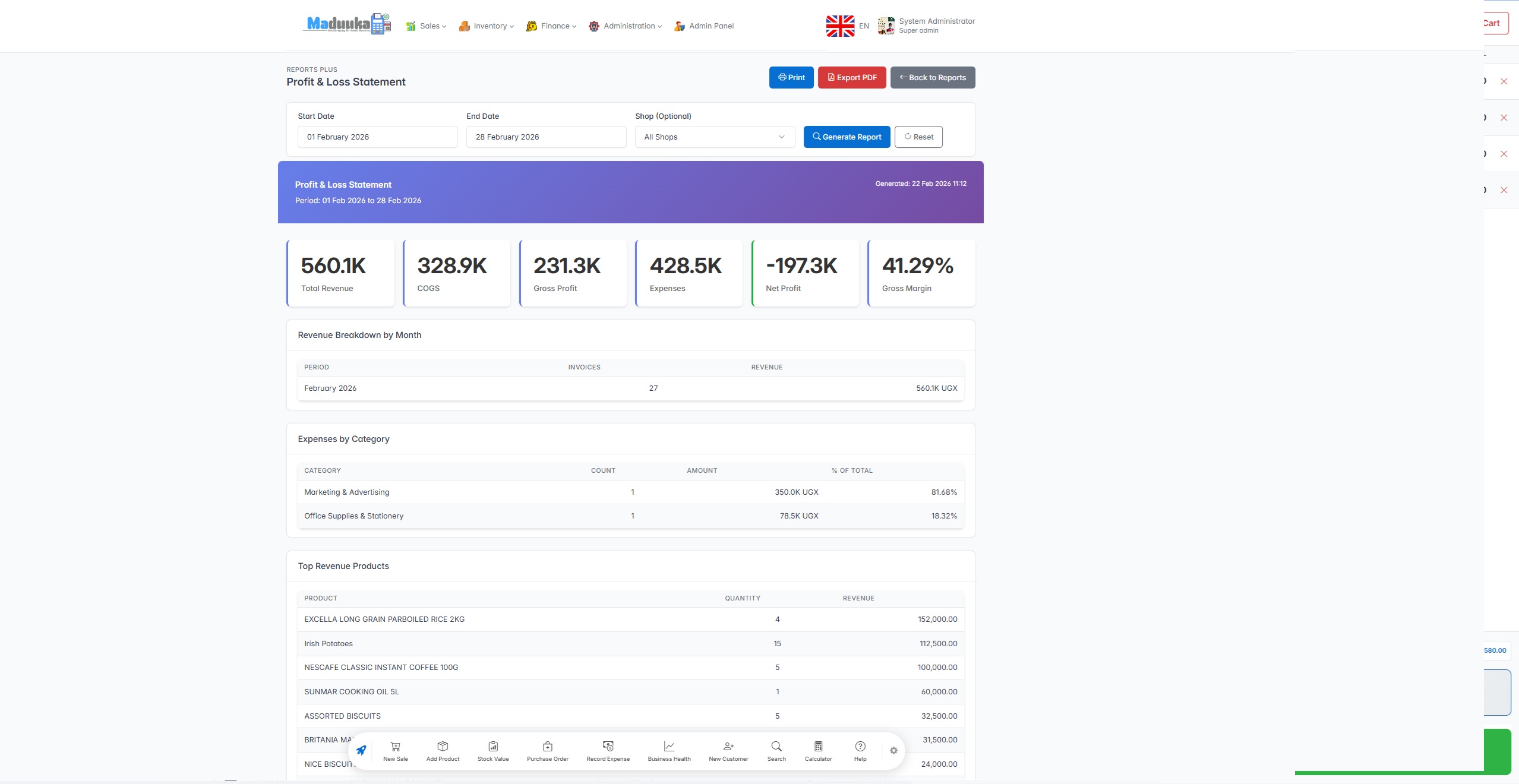
Every transaction posts to double-entry books from the first sale, on every package. Premium and industry packages add the chart of accounts, general ledger, trial balance, period and year-end close, and the full Profit and Loss, Balance Sheet and Cash Flow Statement.
How Maduuka keeps your books ->Money Accounts & Expenses
Cash, bank, MTN MoMo, Airtel Money, SACCO and petty cash accounts with live balances. Deposits, withdrawals and linked transfers, expenses with manager approval, prepaid costs, and reconciliation against statements.
How Maduuka keeps your books ->Pharmacy Module
Patient profiles, prescription management, batch FIFO dispensing, drug interaction alerts, controlled substance compliance, insurance claims, and refill reminders.
Pharmacy workflow page ->Restaurant Operations
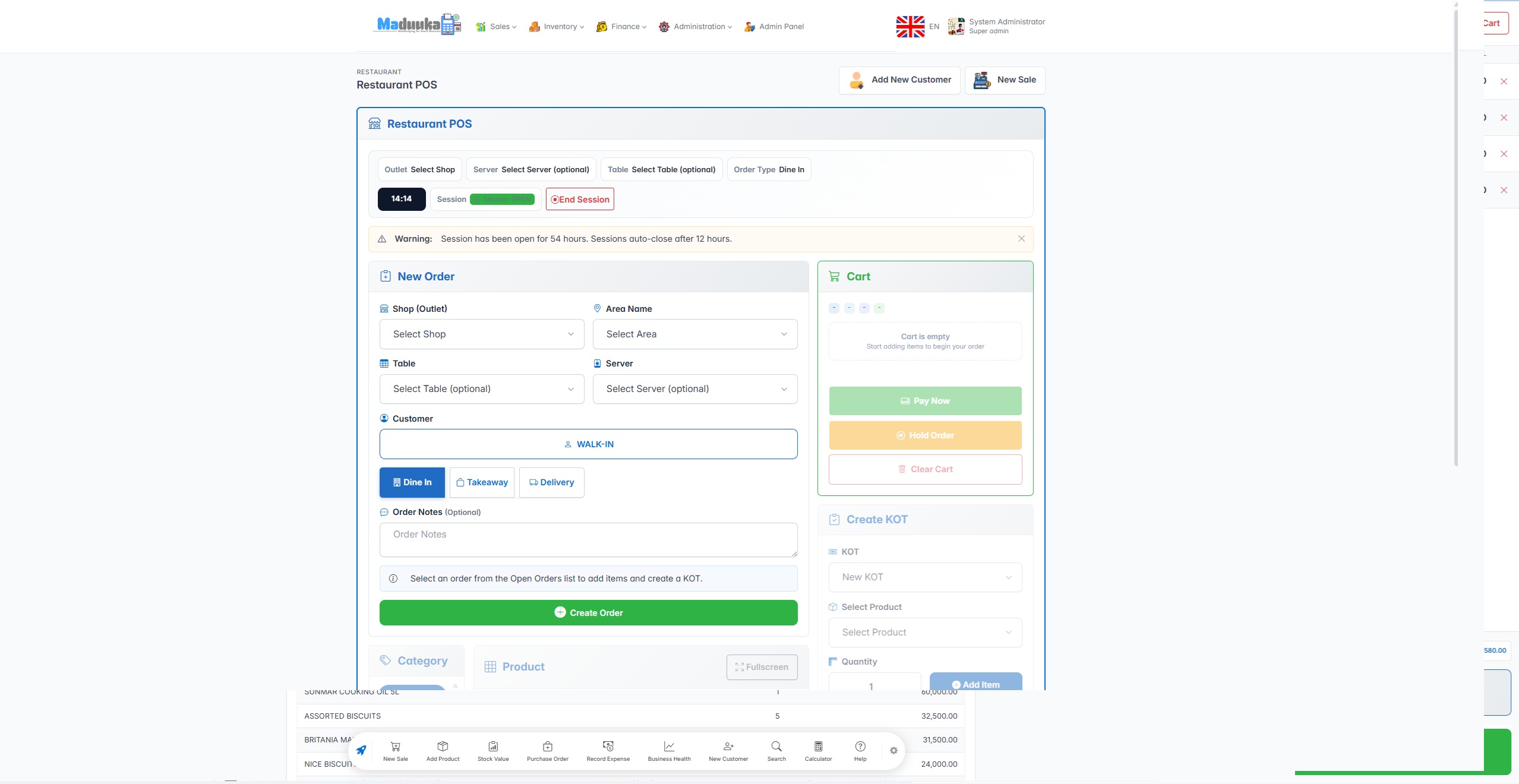
Kitchen order tickets (KOT), kitchen display system (KDS), table management, dine-in/takeaway/delivery, waiter assignment, and bill-of-materials ingredient tracking.
Restaurant module details ->HR & Payroll
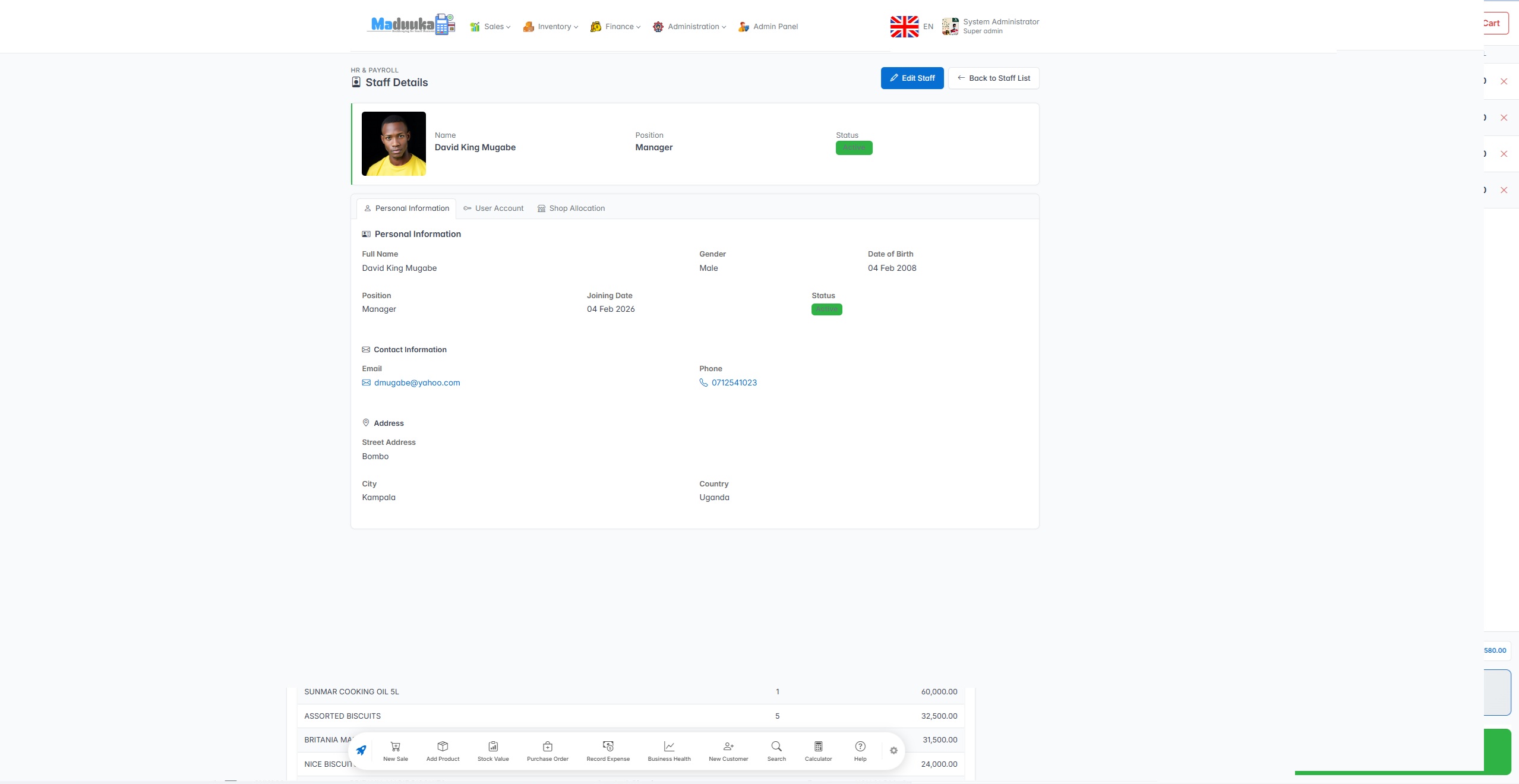
Staff profiles, salary structures, monthly payslips with approval, leave management and branch assignment. Approved payroll runs post salaries, PAYE, NSSF and LST to the books.
Payroll reporting in finance ->Asset Management
Fixed asset register, depreciation on the straight-line or reducing-balance basis, monthly depreciation runs, custody tracking, disposal with gain or loss, and a tie-out of the register to the ledger.
Reports & Document Control
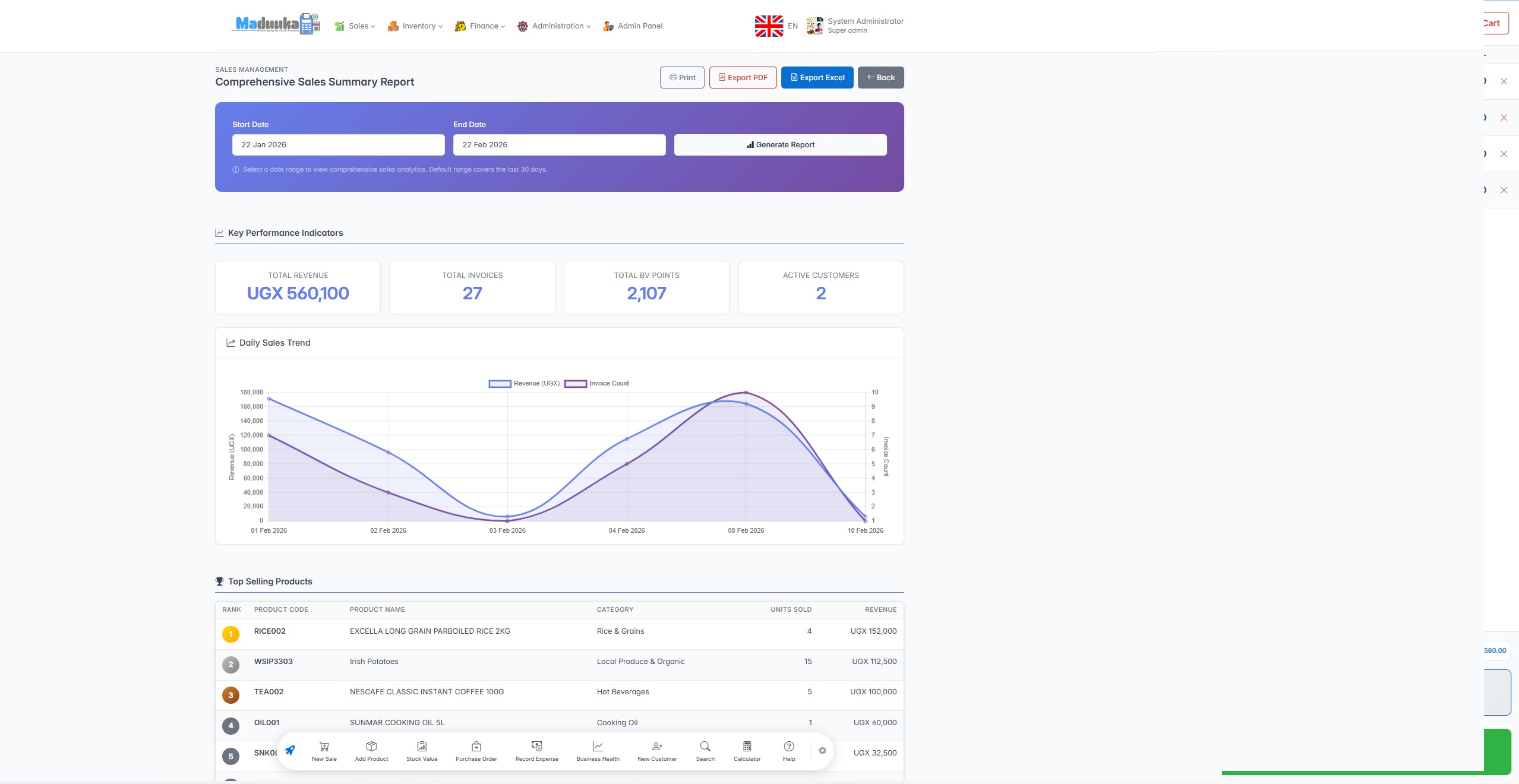
Sales, inventory, financial, customer and HR reports, exported to PDF or CSV. Every invoice, receipt and voucher carries an unbroken number, and Find a document retrieves any of them by number, customer, supplier or date.
Multi-Location Management
One dashboard for every branch. Franchise-level isolation, per-branch reports, centralised admin, inter-branch stock transfers, and subscription scaling.
Hotel Management System
Full property management system — reservations, front desk, housekeeping, night audit, city ledger, and F&B billing in one platform. Room charges, folios and city ledger balances post to the same books as the rest of the business.
Full Hotel Module Details ->Connected Platform
The modules work together, not as separate add-ons.
Sales feed inventory. Inventory informs purchasing. Every sale, payment, purchase and payroll run posts to one double-entry ledger. Staff, branches, permissions and industry workflows stay under one operating structure.
That is the practical difference between a list of features and a platform owners can use to manage the whole business.

Android app · works offline
Keep working when the network drops
The Maduuka Android app has functions that keep working with no connection. Your team keeps serving customers; the work is kept safely on the phone and sent to your cloud records as soon as the connection returns.
Sell at the till
Make cash or on-account sales with no connection. Each sale stays on the phone, even if the app is closed, and is posted as one invoice when the connection returns.
Sign in offline
Staff who have signed in online on that phone in the last seven days can sign in without a connection, with the permissions they already have.
Customers and expenses
Add and edit customers, and write down expenses with a photo of the receipt. They wait on the phone and are sent automatically.
Carts, receipts and documents
Park a cart and recall it later. Reopen receipts and documents already saved on the phone to read or show a customer.
My work day
Open the till, count the cash, clock in and out, and note cash taken in or out of the till for a manager to confirm.
Restaurant tables
Open a table order, send tickets to a paired kitchen printer, and take payment by cash or on account.
Hotel housekeeping
Housekeepers update a room's cleaning status and report room faults from the floor, even where the signal is weak.
Home keeps its figures
The dashboard keeps the last figures it received and shows when they were saved, with sales still on the phone listed separately.
How your records stay accurate
- The phone records what your staff did. When the connection returns, the server checks each item before it becomes part of your books.
- The server gives every invoice and document its official number. Until then the phone shows a short reference tag.
- Stock, cash and ledger entries are posted on the server, never on the phone alone.
- Anything that needs a manager's eye, such as two cashiers selling the last item at the same time, is listed for review.
- Refunds become refund requests. A manager completes them online, so no money leaves the till on the phone's word.
What still needs a connection
The web app, approvals, refunds, branch-wide reports and the full accounting workspace work online. Offline functions are on the Android app.
Key capabilities explained
One cloud record across web and Android
Maduuka is a cloud platform. Every sale, stock movement, and payment recorded in the web app or the Android app is saved to the same business record, so owners, managers, and cashiers work from one version of the truth.
Dashboards, reports, and multi-branch views draw on that shared record, so there is no manual reconciliation between devices or branches.
- Web and Android work from the same business data
- Stock levels reflect sales recorded on every device
- Sells offline and sends the work when the connection returns
How multi-branch management works in Maduuka
Each branch is set up as a separate point of sale in Maduuka, with its own inventory, staff, and daily transactions. Branch managers see only their branch's data. Owners and directors see a consolidated view across all branches from a single dashboard.
Branch manager view
- → Their branch's sales and stock only
- → Daily targets and performance
- → Staff attendance and shifts
- → Low stock alerts for their location
Owner / director view
- → All branches combined: revenue, stock, payroll
- → Branch-to-branch comparison reports
- → Transfer stock between branches
- → Consolidated profit and loss
Planning another outlet? Read the systems to put in place before opening a second branch .
Platform Features
Built-in capabilities that power every module.
Mobile App
Native Android app for selling, stock, expenses, approvals and owner reports, including the trial balance and Profit or Loss.
Product languages
Staff can work in English, French, Kiswahili or Luganda, each person in the language they know best.
Enterprise Security
Role-based access, two-factor sign-in, tenant isolation, audit logging and second-person approval for sensitive entries.
Flexible Products
Stock, Service, Fee, and Bundle product types for any business.
See It in Action
Real screenshots from the Maduuka platform.
See It in Action — Request a Personalised Demo
Our team will walk you through the features most relevant to your business.
Request a Demo