
POS, inventory and accounting for African SMEs
Sell, stock and keep proper books in one place.
Every sale, purchase and expense is posted to double-entry books the moment it happens, on every package. Run the shop today, and have records a bank or investor can read when you need them.
Built for East African operators
Shops, pharmacies, restaurants, hotels and franchises get one ledger for sales, stock, staff and money, kept to the standard an accountant expects.
What is Maduuka?
All-in-one business management software, built for African SMEs
Maduuka is a cloud business management platform that brings together point of sale, inventory, financial reporting, HR and payroll, and industry suites for pharmacies, restaurants, and hotels. It is built as one product, not a stack of plug-ins.
Underneath every screen is a double-entry ledger. Each transaction is posted as it happens, on every package, so the books are already complete when the business needs financial statements.
Built in Kampala, Uganda, Maduuka is shaped for operators who need local-currency pricing, mobile money accounts, and an Android app that keeps working when the network drops and shares the same cloud records as the web platform.
Key facts
- Double-entry accounting on every package, from the first sale
- Runs on web browsers and Android; the Android app keeps selling offline
- Set Maduuka up yourself; paid onboarding and training are available separately
- Package pricing is shown in Uganda Shillings on the Packages page
- Live in production, in English, French, Kiswahili and Luganda
- Modules: Retail POS, Pharmacy, Restaurant, Hotel PMS, Multi-Branch
Platform Overview
One operating system for the whole business
Maduuka connects selling, stock, finance, staff, branch control, and specialist modules so owners can see the whole business from one platform instead of reconciling disconnected tools.
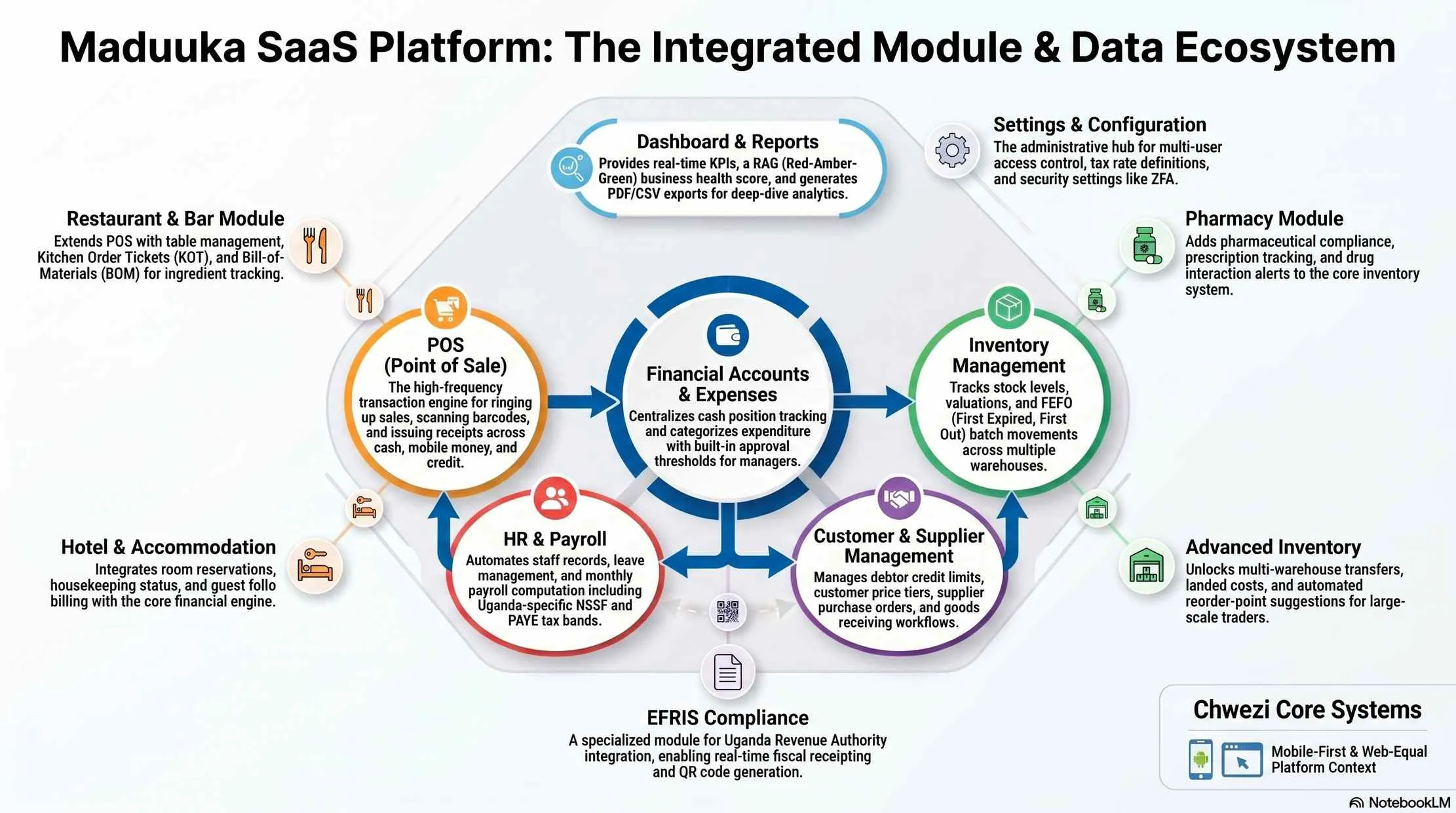
Sales, stock, and finance in one working view
Maduuka brings it all together, from your first sale to your monthly reports.
Point of Sale
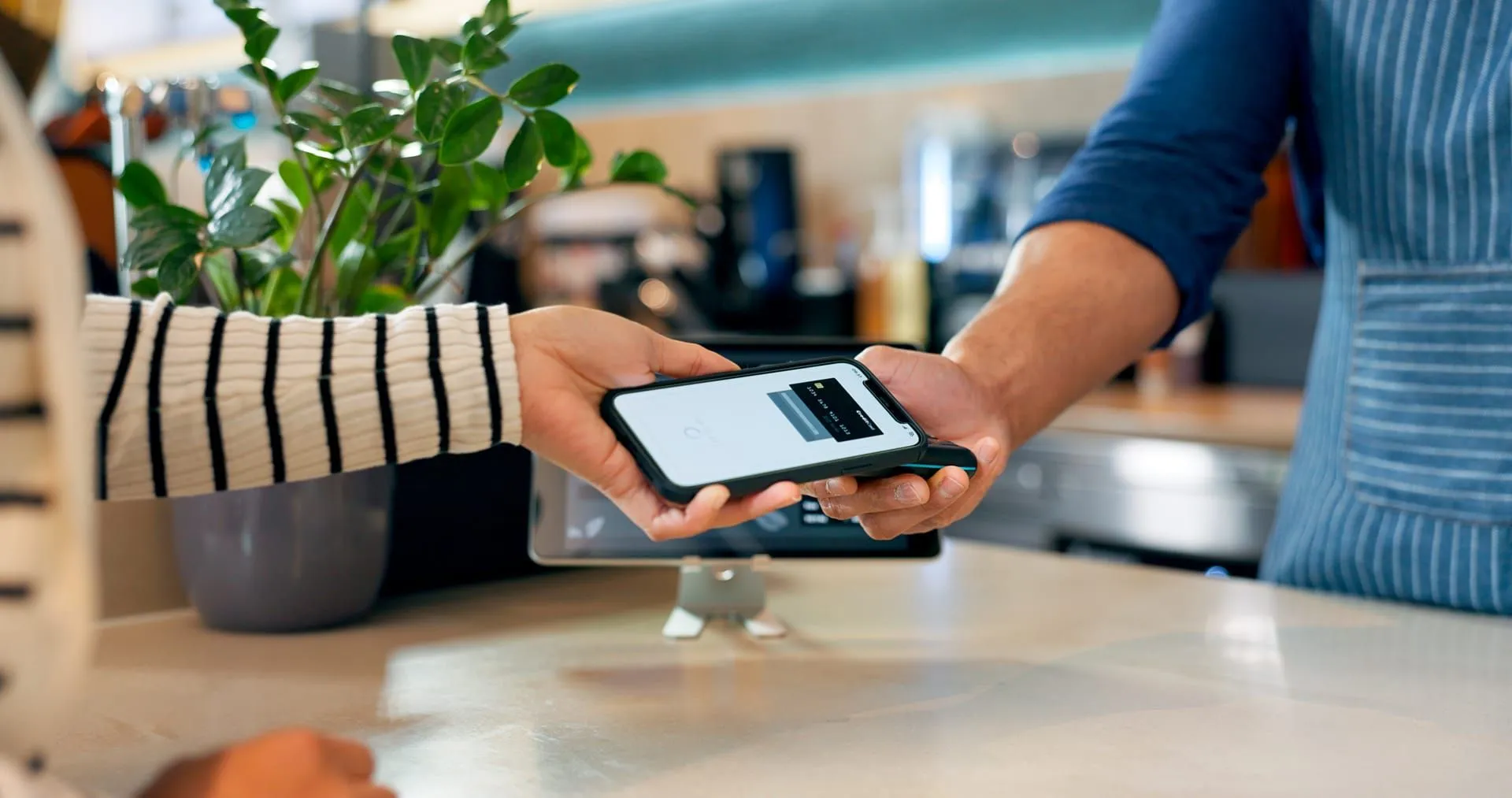
Ring up sales in seconds with our touch-friendly POS. Scan barcodes, accept cash, mobile money, or card, and print receipts, all from one screen.
Inventory Management
Track every item across every warehouse and branch. Get low-stock alerts, manage batches and expiry dates, and never run out of your best sellers.
Accounting from Day One
Each sale, purchase and expense posts to double-entry books as it happens. Cash, bank and mobile money balances stay current, and the full accounting workspace opens on Premium with your earlier months already in it.

Records you can stand behind
Proper books from your first sale, even on the Free plan
Maduuka does not save accounting for the bigger packages. On every plan, each transaction is posted as a balanced journal the moment it is recorded, and each journal carries the number of the invoice, receipt or bill behind it.
When the business grows into Premium or an industry package, the general ledger, trial balance, period close and fixed asset register open on that history. The Balance Sheet you print on the first day after upgrading already covers the months you traded on a smaller plan.
Posted entries cannot be edited, only reversed. Documents are voided, never deleted, and every document type keeps an unbroken number sequence. When a bank, an investor or an auditor asks where a figure came from, the answer is in the system.
A Guided Path to Go-Live
Getting started with Maduuka is simple. No technical knowledge required.
-
Sign Up
Create your account and set up your first branch in minutes.
-
Add Your Products
Import your catalogue or use our industry templates for instant setup.
-
Start Selling
Open your POS and make your first sale. It reaches your dashboard and your books at the same moment.
Built for Your Industry
Maduuka comes with ready-made templates and specialised modules for different business types.
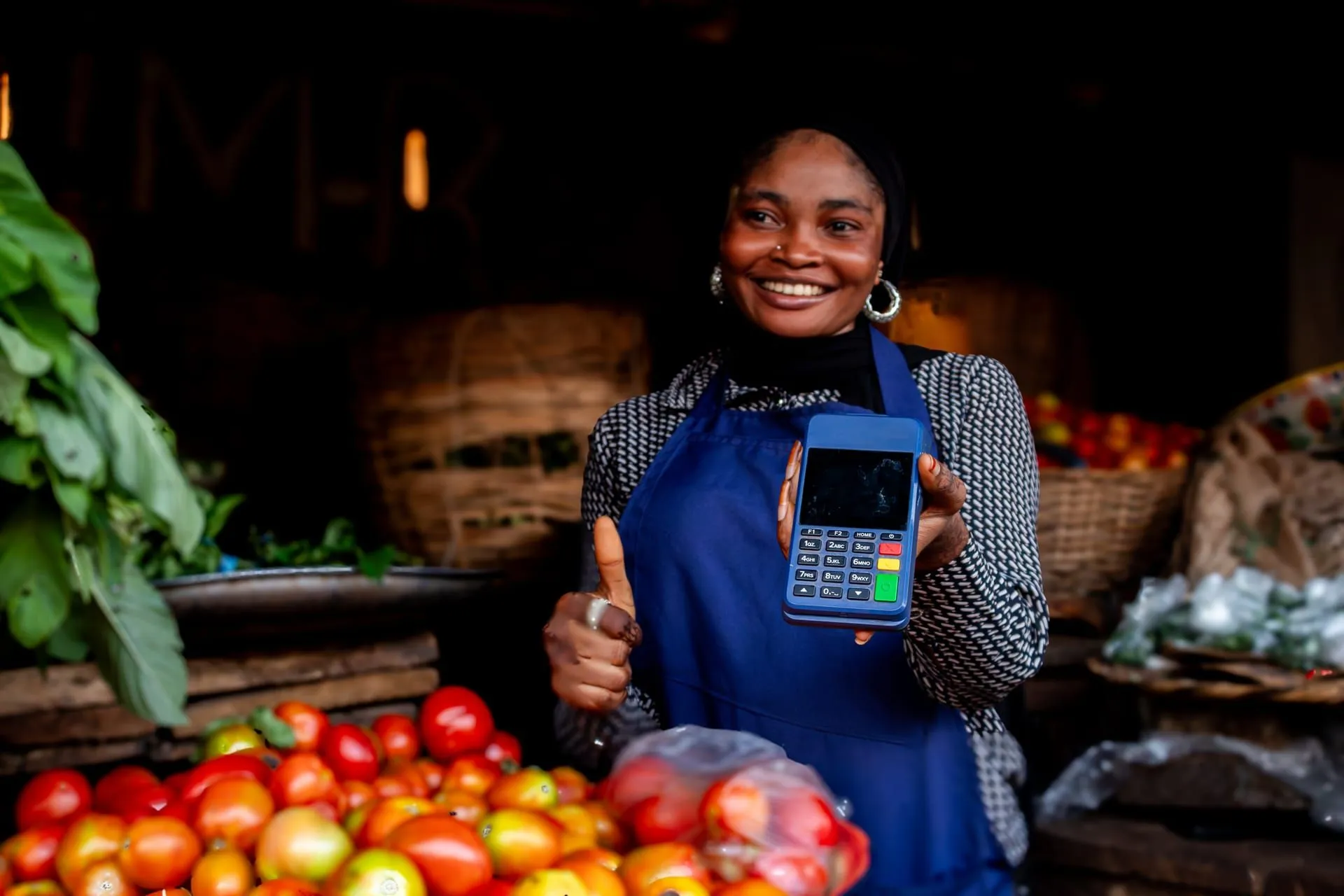
Retail & Shops
Barcode scanning, multi-warehouse stock, credit accounts, and fast checkout.

Pharmacies
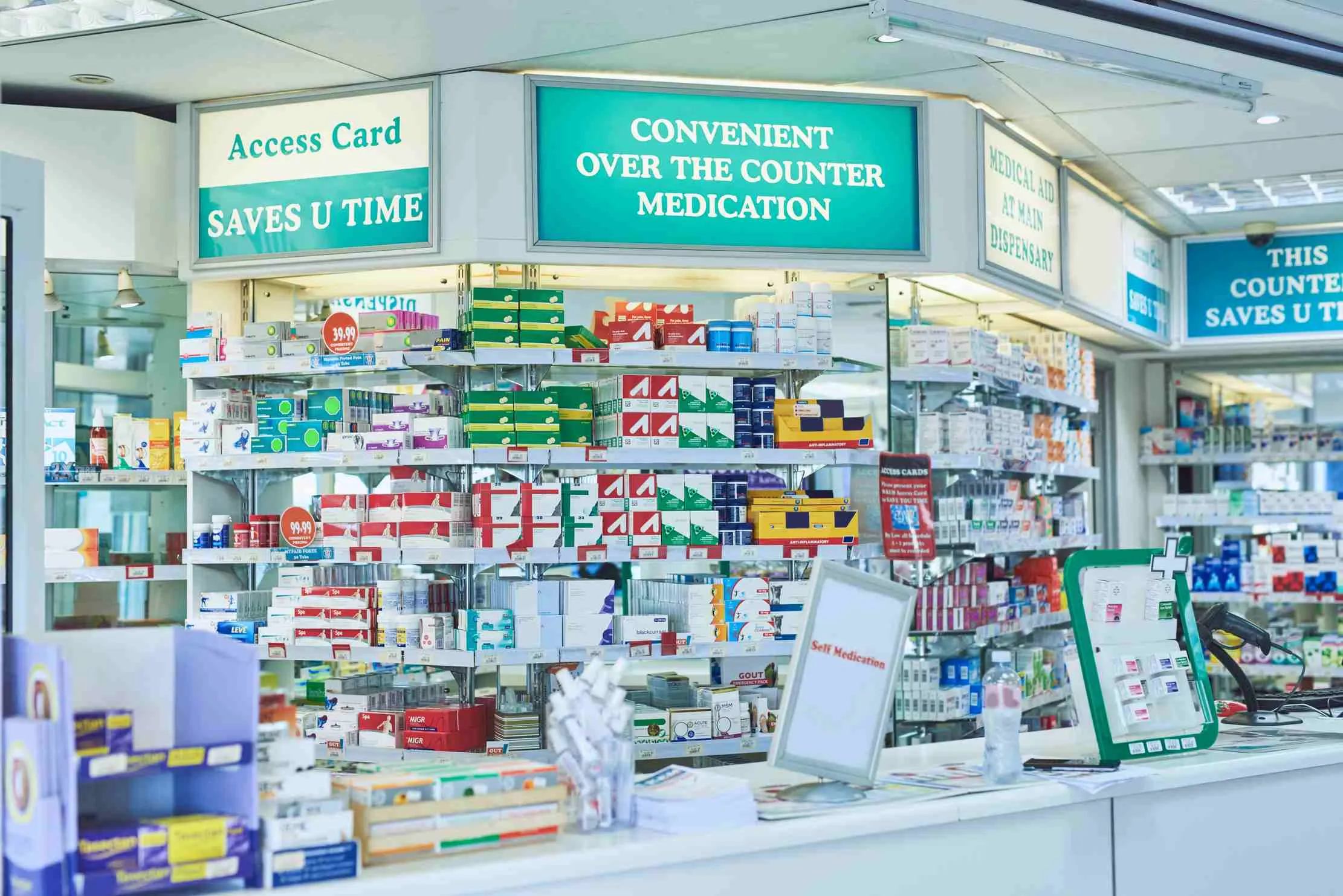
Prescription management, controlled dispensing workflow, FEFO batches, and compliance reporting.
Pharmacy Module →
Restaurants
Kitchen order tickets, table service, kitchen display, and ingredient accountability.
Restaurant Module →
Fashion & Boutiques
Size and variant tracking, photo catalogues, and 14 ready-made category templates.

Hotels & Hospitality
Front desk, reservations, housekeeping, night audit, city ledger, and restaurant POS — all in one subscription.
Full PMS →See Maduuka in Action
A powerful platform that's simple enough for everyone on your team.
Try the Live DemoYour Business in Your Pocket
The Maduuka Android app puts point of sale, dashboard, and inventory work on a phone or tablet. It works from the same cloud records as the web app, and when the network drops it keeps going: sales wait safely on the phone and are sent as soon as the connection returns.
- Native Android app — available now on Android phones & tablets
- POS with product grid, cart, and multi-payment checkout
- Real-time dashboard with KPIs and sales summary
- Trial balance, Profit or Loss and money reports for owners
- Offline selling, customers and expenses, sent automatically when you reconnect
- Shares one cloud record with the web app and your other devices

Android app · works offline
Keep working when the network drops
The Maduuka Android app has functions that keep working with no connection. Your team keeps serving customers; the work is kept safely on the phone and sent to your cloud records as soon as the connection returns.
Sell at the till
Make cash or on-account sales with no connection. Each sale stays on the phone, even if the app is closed, and is posted as one invoice when the connection returns.
Sign in offline
Staff who have signed in online on that phone in the last seven days can sign in without a connection, with the permissions they already have.
Customers and expenses
Add and edit customers, and write down expenses with a photo of the receipt. They wait on the phone and are sent automatically.
Carts, receipts and documents
Park a cart and recall it later. Reopen receipts and documents already saved on the phone to read or show a customer.
My work day
Open the till, count the cash, clock in and out, and note cash taken in or out of the till for a manager to confirm.
Restaurant tables
Open a table order, send tickets to a paired kitchen printer, and take payment by cash or on account.
Hotel housekeeping
Housekeepers update a room's cleaning status and report room faults from the floor, even where the signal is weak.
Home keeps its figures
The dashboard keeps the last figures it received and shows when they were saved, with sales still on the phone listed separately.
How your records stay accurate
- The phone records what your staff did. When the connection returns, the server checks each item before it becomes part of your books.
- The server gives every invoice and document its official number. Until then the phone shows a short reference tag.
- Stock, cash and ledger entries are posted on the server, never on the phone alone.
- Anything that needs a manager's eye, such as two cashiers selling the last item at the same time, is listed for review.
- Refunds become refund requests. A manager completes them online, so no money leaves the till on the phone's word.
What still needs a connection
The web app, approvals, refunds, branch-wide reports and the full accounting workspace work online. Offline functions are on the Android app.




See whether Maduuka fits your operation
Start with the free plan and set Maduuka up yourself — it is designed for that. If you would like our team to onboard you, migrate your data, or train your staff, we offer this as a paid engagement, separate from your subscription.